50.7k
50.7k
ClickHouse Managed Postgres now lets you set a maintenance window, so platform upgrades land during the time window you choose instead of whenever the next release is ready.
Managed databases get patched regularly. That can mean Postgres minor-version upgrades with bug fixes and security patches; updates to Managed Postgres features such as native CDC, observability, and extensions; or patches to the underlying operating system and system components. All of this work has to be applied at some point, and until now that point was the same for everyone. A blanket window for everyone does not work, as it might overlap with a heavy workload window for some clients. Ideally, one would like to select the window when the least load is expected.
Scheduled upgrades move that decision to you. You can pick a two-hour window in UTC, and platform maintenance is scheduled during that window. On the Enterprise plan you can narrow it further, to the specific days of the week when maintenance would be least disruptive.
Setting one up
Open your Postgres service and go to Settings → Configuration.
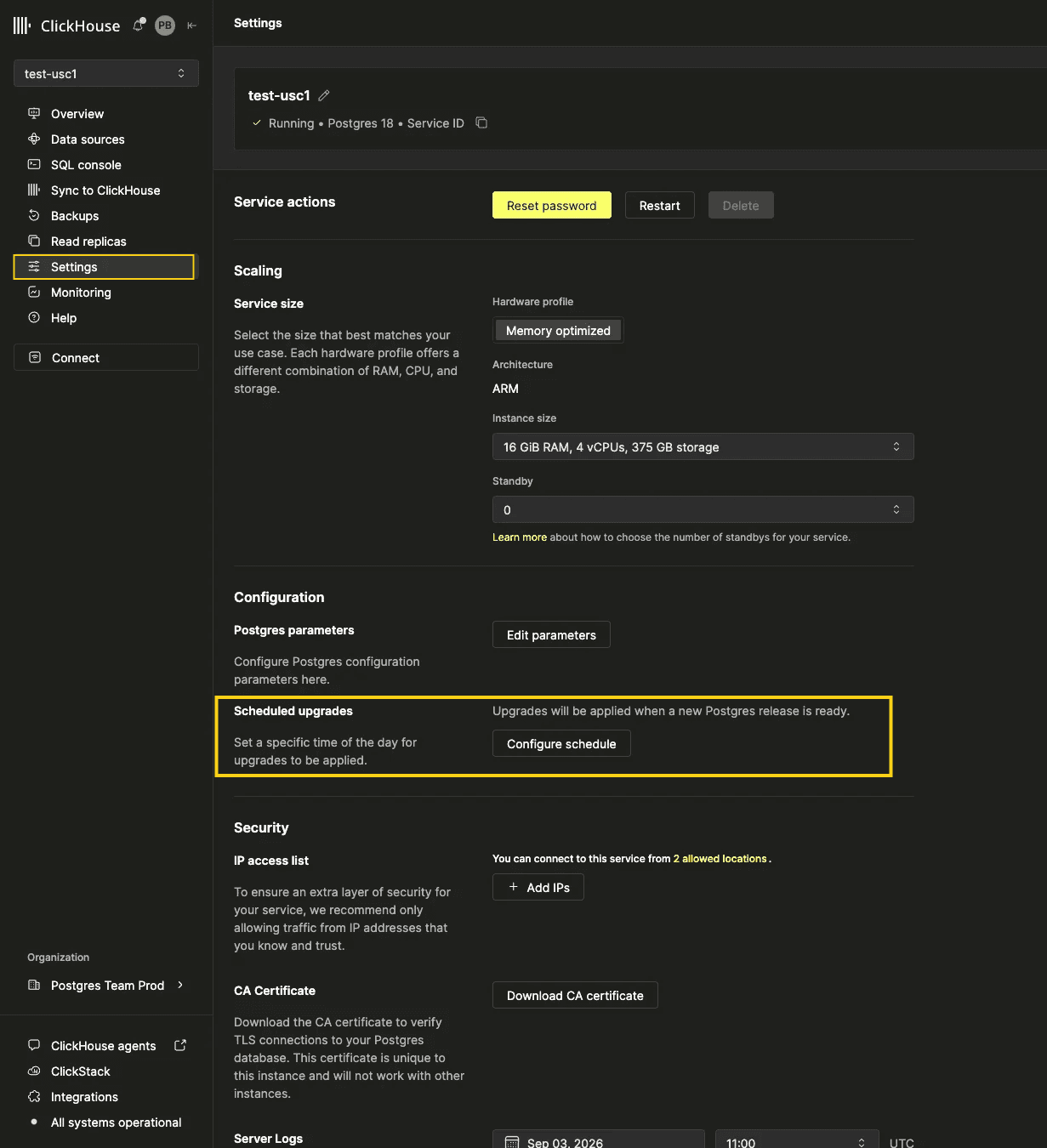
Under Scheduled upgrades, click Configure schedule and pick a time period. Optionally select the days of the week it applies to, then save.
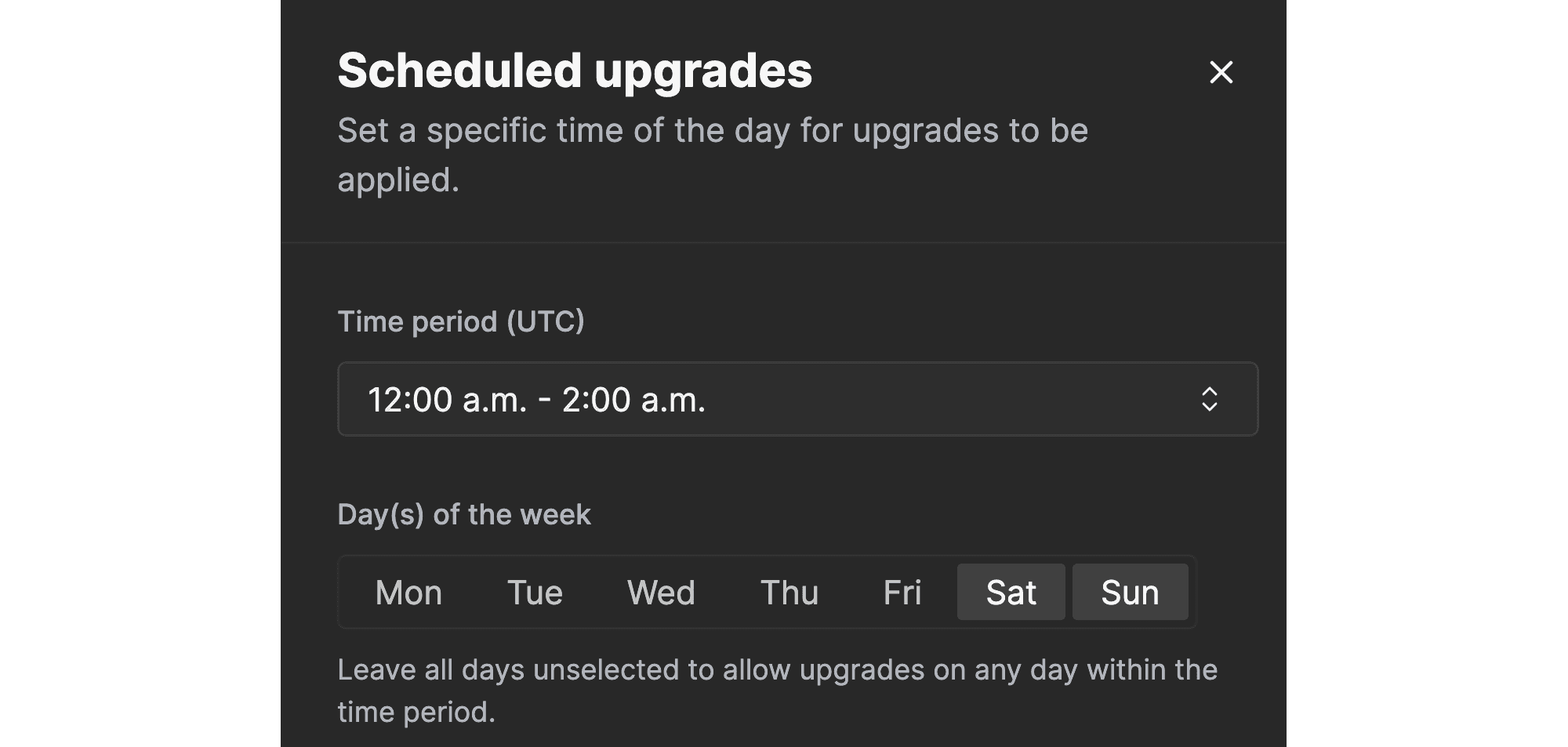
The service settings page then shows the schedule in plain language, and the same button reopens it for edits. If you want to clear the window, choose “No maintenance window” and maintenance goes back to being applied whenever the next release is ready.
What the window covers
A maintenance window governs platform maintenance — the upgrades and patches we initiate. It is deliberately not a general freeze, and three cases fall outside it:
- Changes you make yourself apply immediately. Resizing a service, upgrading its Postgres version, or restarting it is not held back until the window opens.
- Urgent capacity work. If a service crosses 90% disk usage, storage is scaled without waiting. A window is not worth running out of disk for.
- Read replicas don't carry a schedule of their own. They're upgraded alongside the primary they belong to, which is why the setting doesn't appear on them.
Availability
| Plan | Two-hour window | Specific days |
|---|---|---|
| Basic | — | — |
| Scale | Included | — |
| Enterprise | Included | Included |
Scheduled upgrades are available now to every Scale and Enterprise organization, with no opt-in. If you're on Basic, the setting is visible with the plan it requires, so you can see what you'd be getting before you move.
Scheduled upgrades give you more control and predictability, so routine Postgres maintenance happens when it works best for your workload.
Get started with ClickHouse Managed Postgres today
Interested in seeing how ClickHouse Managed Postgres works on your data? Get started with ClickHouse Cloud in minutes and receive $300 in free credits.
Sign up