 50.8k
People started building new sorts of applications that they were not thinking about before, because they have all their data in one place.
- Use cases
- Transactional applications
Build and scale transactional applications with Managed Postgres
Build on high-performance, fully managed Postgres, natively integrated with ClickHouse for real-time analytics. Use familiar development tools, test changes before production, and spend less time managing your database.
Powering customer applications in production

The performance has been simply impressive, and the ClickHouse team has been a great partner.
Faster Postgres, without the operational overhead

Keep your application responsive
Keep reads and writes fast as application activity grows. Managed Postgres uses local NVMe storage to reduce I/O bottlenecks, up to 10× faster than other Postgres services.*

Real-time analytics with managed CDC
Managed Postgres integrates natively with the ClickHouse analytical engine. Managed change data capture (CDC) replicates the tables you select into ClickHouse, so you can add analytics without building and maintaining your own replication pipeline.

Use the Postgres tools you already know
Use the clients, SQL, and development tools your team already knows. Connect an existing application or start a new one on Managed Postgres.
*Up to 10× faster in published disk-bound benchmarks. Results vary by workload and configuration; see the benchmark results for compared services and test setups.
Real-time analytics, right there when you need it
Add usage dashboards and operational reports to your application. ClickHouse runs analytical queries on separate resources while Managed Postgres handles transactions. With pg_clickhouse, you can run supported analytical queries through familiar clients and SQL.
From your first feature to production
- 1
Build reliable workflows
Define your data model, connect your application, and use transactions to keep related changes consistent.
- 2
Test changes before deployment
Validate schema changes, queries, and application behavior in an isolated environment.
- 3
Monitor and tune performance
Monitor query performance, manage connections, and adjust capacity as your application grows.
Keep your application reliable
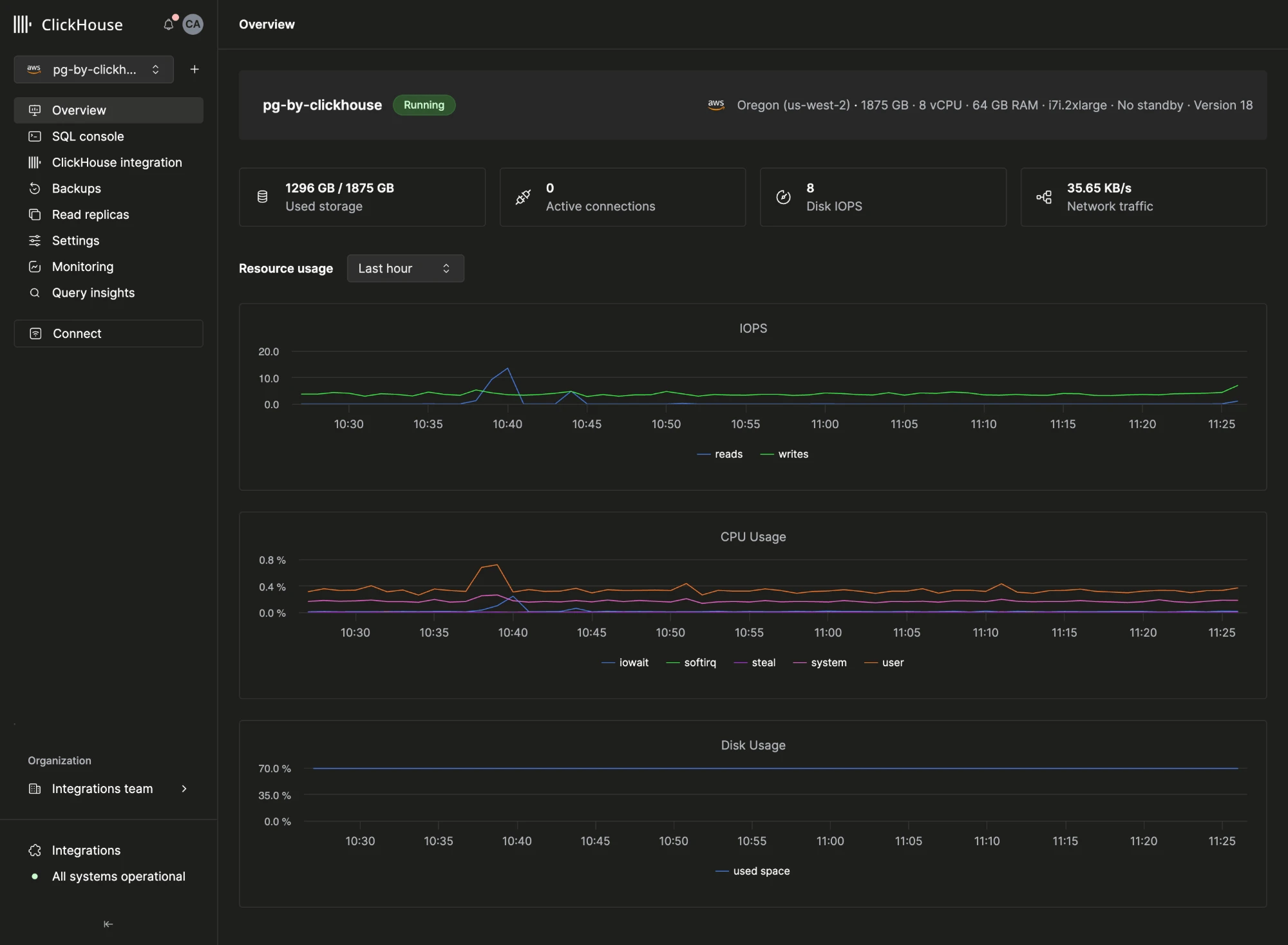
Recover from accidental data changes with automated backups and point-in-time recovery. Configure high availability in Managed Postgres to reduce disruption if a server fails.
Explore backup and recovery ->->Explore high availability ->->
Guides to get started
Create a new application
Connect your application to Managed Postgres and build your first transactional workflow.
Test changes locally
Set up a local environment to build and test changes before deploying to Managed Postgres.
Bring an existing application
Assess your workload and compatibility, then plan your migration to Managed Postgres.