Time to live (TTL) in ClickHouse
Mark Needham
Time to Live (TTL) in ClickHouse is one of those features that looks simple on the surface but gives you surprising control over your data lifecycle. Whether you need to automatically delete old records, roll up historical data into aggregates, or anonymize sensitive fields after a certain period, TTL has you covered.
In this tutorial, Mark Needham walks through practical examples using a web server access logs dataset with 10 million records. You'll see how TTL works with different merge strategies, how to apply conditions to only expire specific rows, and how to use TTL for data aggregation while preserving your metrics. The video also covers column-level TTL for selectively anonymizing fields like IP addresses and user agents.
- Row-based TTL for automatic data deletion after a specified time period
- Conditional TTL to expire only rows matching specific criteria (e.g., status code 200)
- TTL with GROUP BY for rolling up detailed records into daily aggregates
- Column-level TTL for anonymizing sensitive fields while keeping the rest of the row
- Understanding TTL merge behavior and how to trigger it manually with OPTIMIZE TABLE
Recent videos
View all Videos
Open House
Open House 2026: Day 1 Keynote
The latest ClickHouse announcements, featuring real-world use cases from Shopify, Zoox, Visa, and Cisco.
Open House
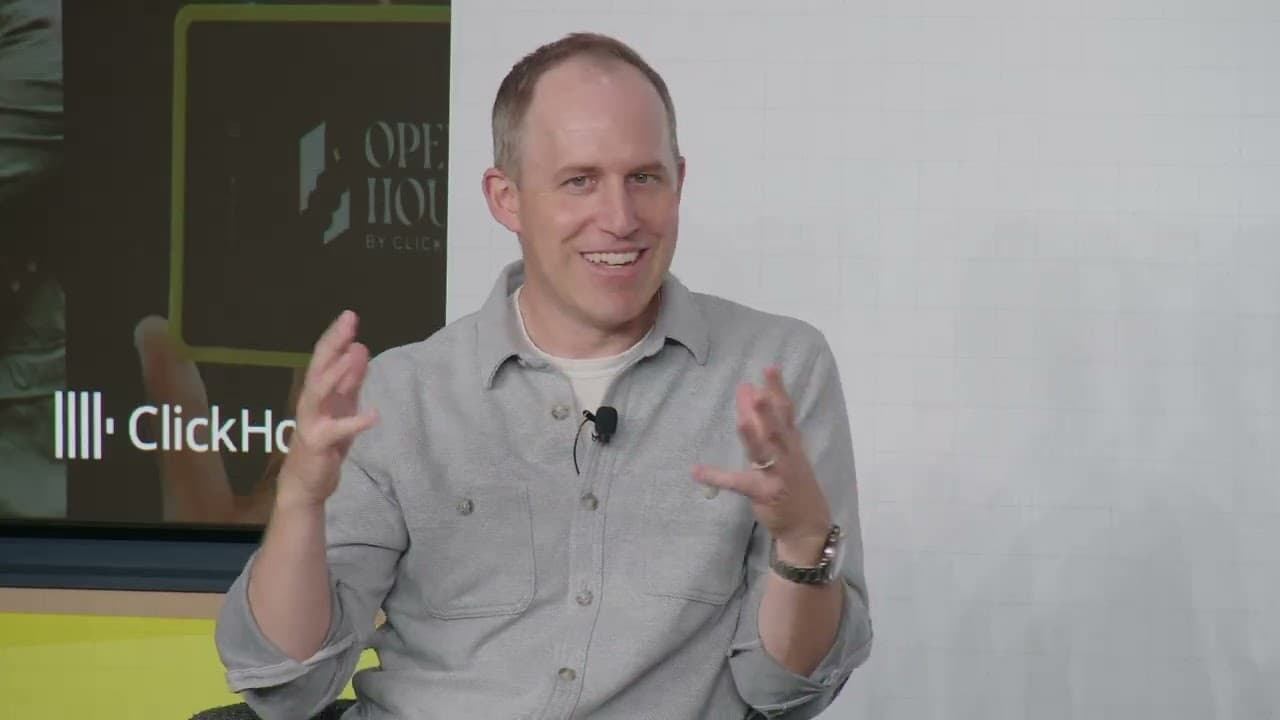
Fireside Chat: The state of data and AI with Bret Taylor (Sierra) and Aaron Katz (ClickHouse)
Aaron Katz (CEO, ClickHouse) and Bret Taylor (Co-Founder Sierra, Chairman of the Board, OpenAI) have an open conversation on the state of AI.
Open House, ClickHouse
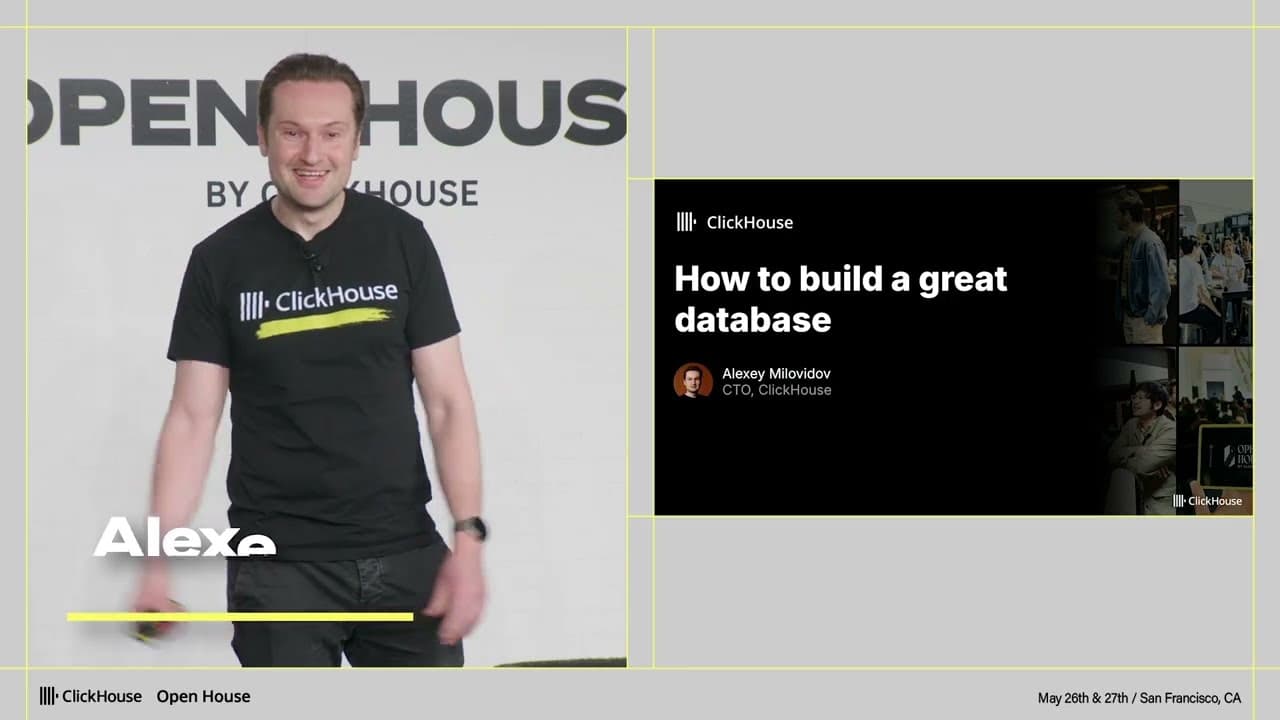
How to build a great database (Alexey Milovidov)
The principles behind building a great database, and the new frontiers shaping the field.

Open House
Fireside Chat: Ecosystem and technology trends (Vercel, dbt Labs, CoreWeave)
Aaron Katz (CEO, ClickHouse), Guillermo Rauch (CEO, Vercel), Tristan Handy (CEO, dbt Labs), and Lukas Biewald (SVP of AI, CoreWeave) discuss how AI is changing the data landscape.
Follow us


