The ClickHouse monitoring dashboard
Mark Needham, Product Marketing Engineer
Learn how to diagnose three common ClickHouse issues using the built-in monitoring dashboard. This tutorial covers how to detect small batch sizes, resource-intensive queries, and suboptimal primary key design using ClickHouse's advanced monitoring features.
You'll learn how to:
- Set up and access the monitoring dashboard
- Monitor batch insertions and part merging behavior
- Identify CPU-intensive query patterns
- Detect inefficient primary key designs through bytes-read metrics
Perfect for ClickHouse administrators and developers who want to improve their system monitoring skills. Includes practical examples using ClickHouse Cloud.
Recent videos
View all Videos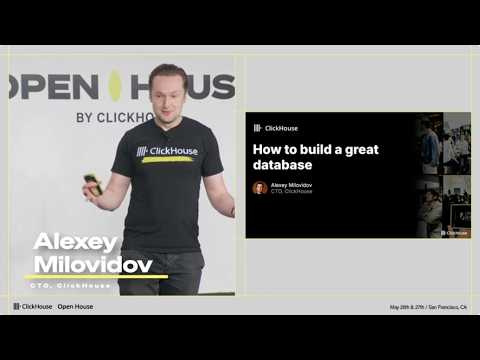
Open House, ClickHouse
How to build a great database (Alexey Milovidov)
The principles behind building a great database, and the new frontiers shaping the field.
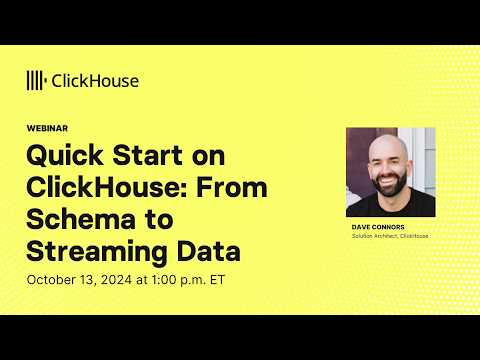
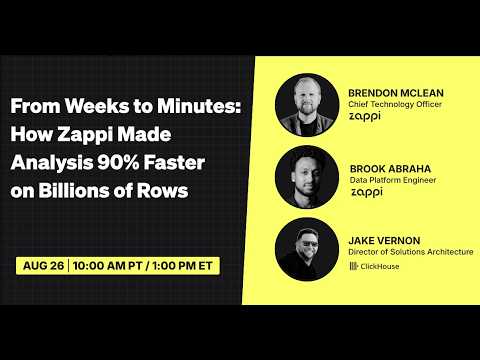
ClickHouse, ClickHouse Cloud
Data Architecture Blueprints featuring Zappi

ClickHouse
Measuring the True Cost of Real-Time Analytics
In this webinar, we’ll follow the full path from incoming events to materialized views to live analytics, comparing ClickHouse with other cloud data warehouses to reveal which systems deliver the most real-time performance per dollar when the data never stops moving.
Follow us


