Before you begin
Install Docker and confirm that the following ports are available:8080for the ClickStack UI4317for OTLP over gRPC4318for OTLP over HTTP8123for the ClickHouse HTTP interface
Set up ClickStack Open Source with the all-in-one image
Start ClickStack
Run the all-in-one image:The container runs in the foreground. Leave this terminal open and use a second terminal for the remaining commands in this guide.
Persist data and settings
Persist data and settings
To retain ClickStack settings, ClickHouse data, and ClickHouse logs after removing the container, run the following command instead:
$(pwd) resolves to your current directory. This command stores the persistent files in a .volumes directory at that location.Send test data
In the second terminal, export the ingestion API key:Send an OTLP log with the current timestamp:A successful request returns
HTTP/1.1 200 OK.Next steps
Send application and infrastructure data
Choose a guide for the data that you want to send to ClickStack:Instrument an application
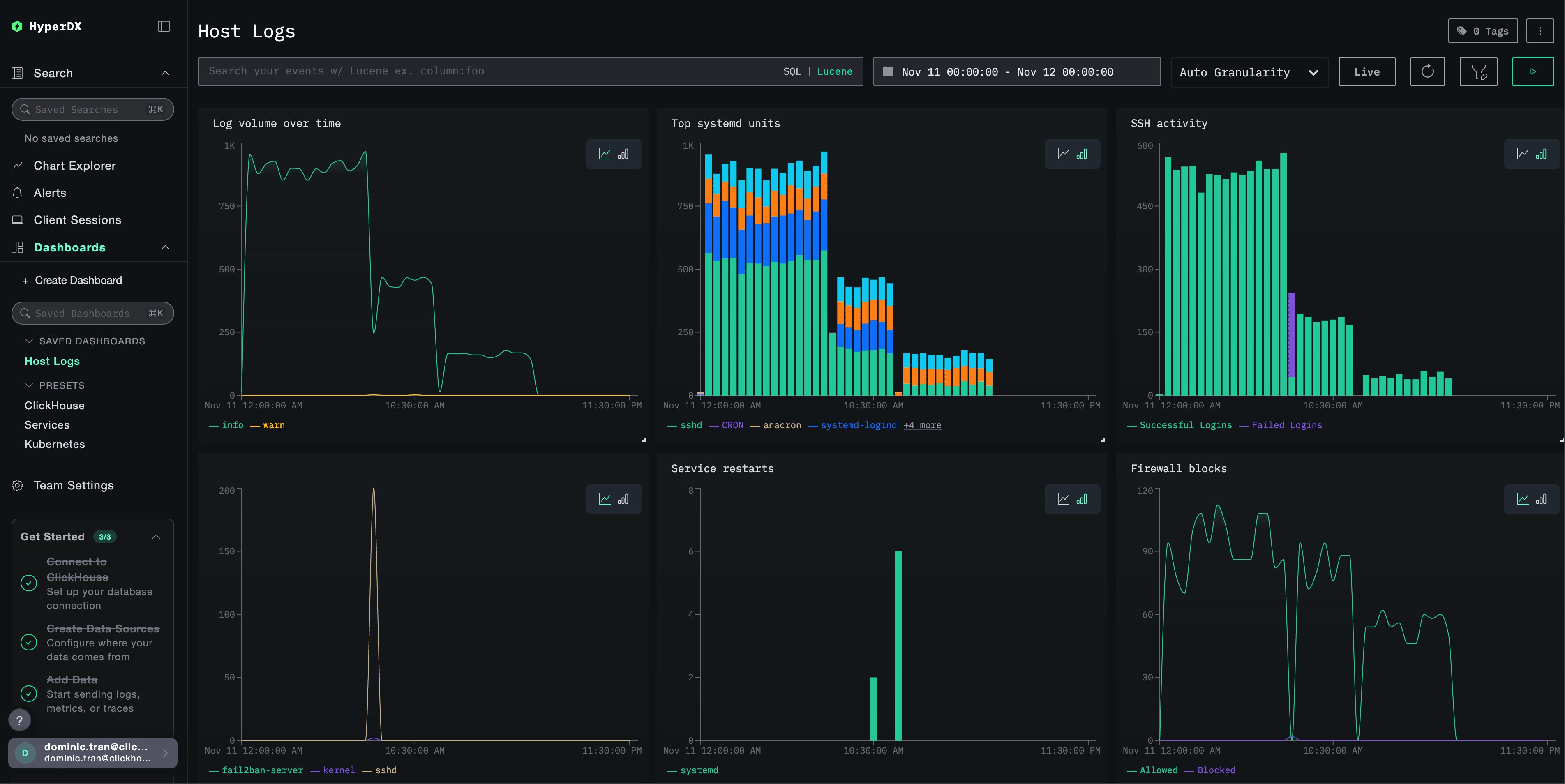
Collect host logs
Monitor Kubernetes
Explore other integrations
Explore sample data
Use a sample dataset to explore ClickStack with richer telemetry:Sample logs, traces, and metrics
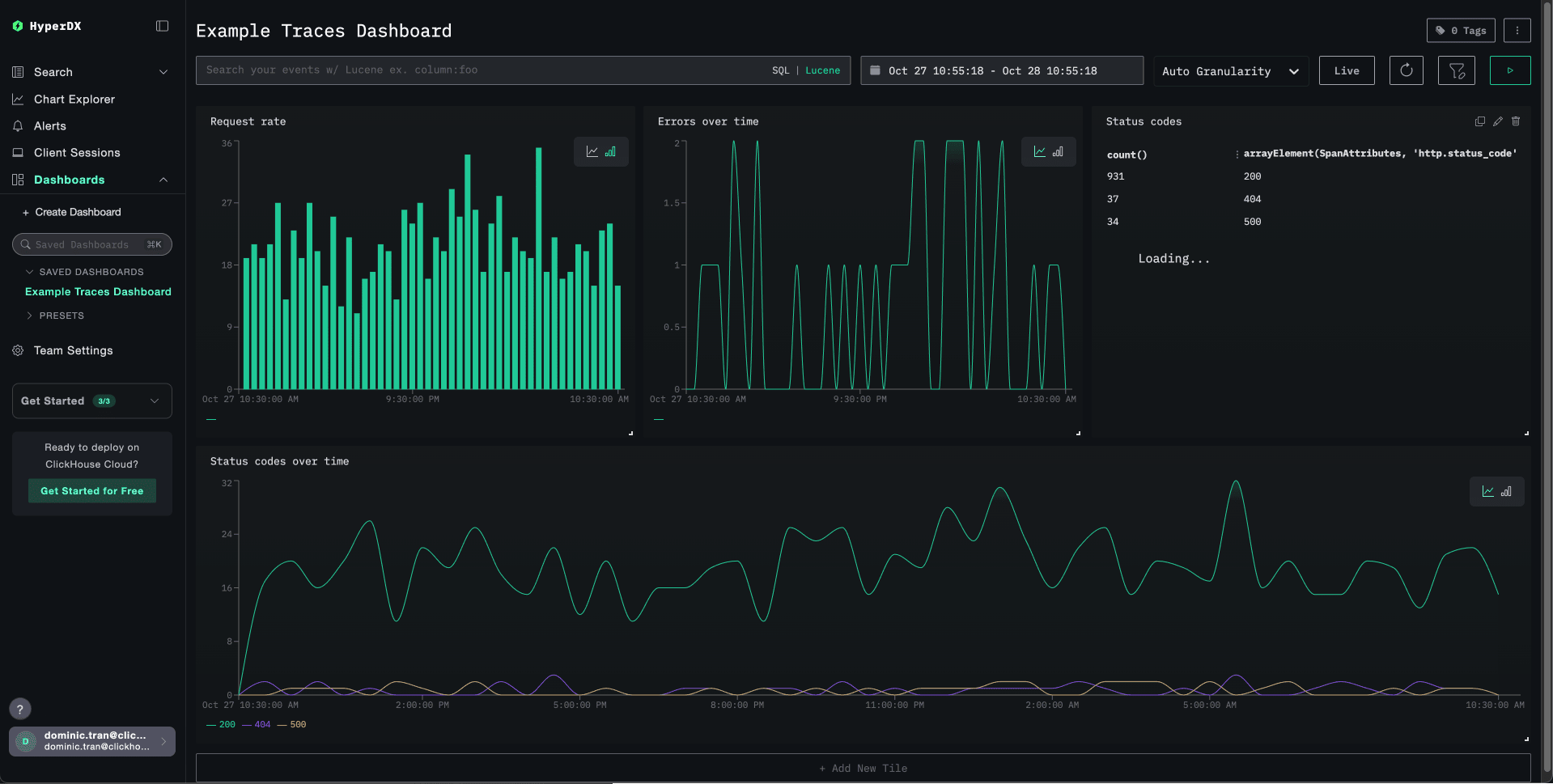
Local logs and metrics