Gather Your Connection Details
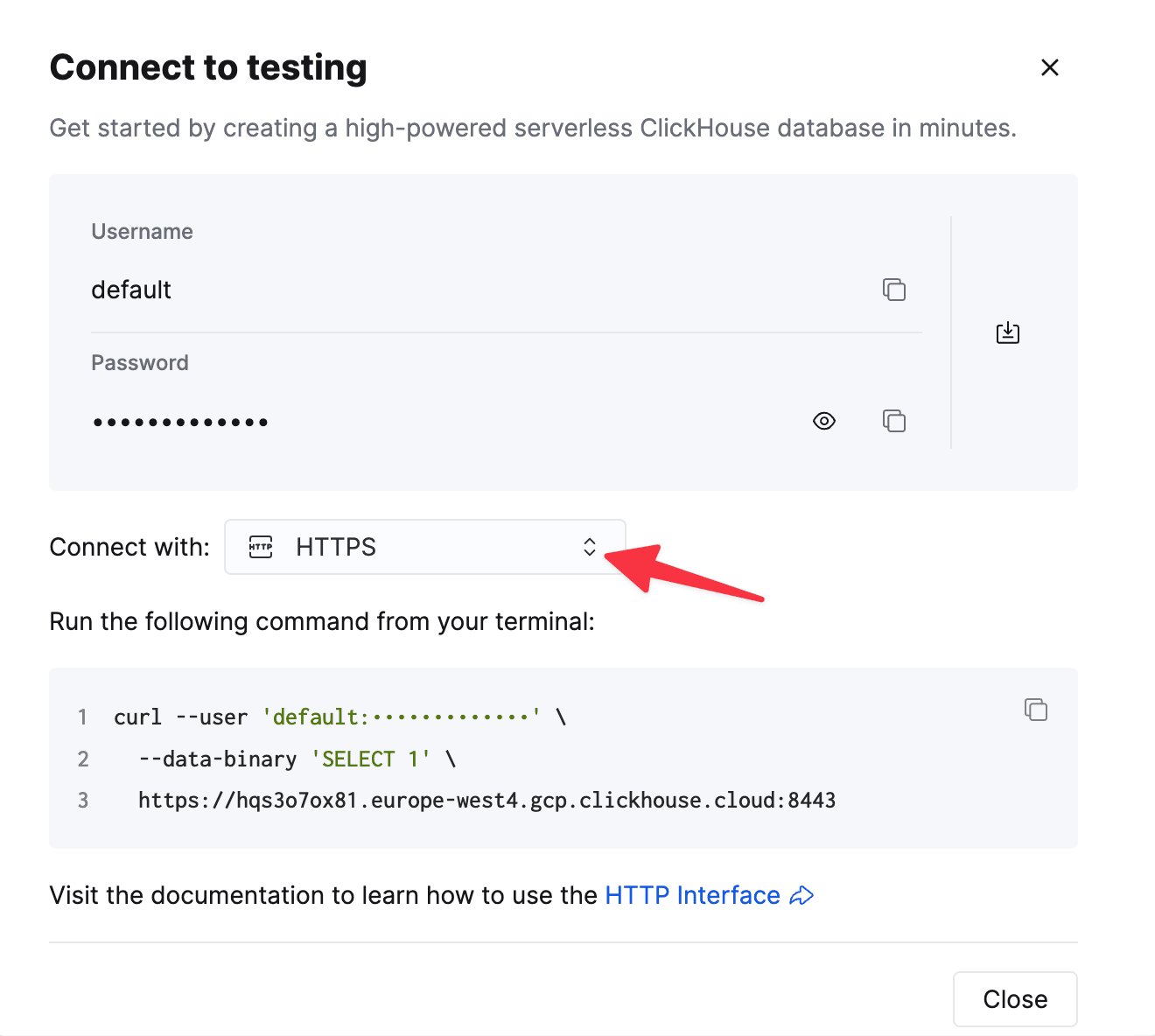
To connect to ClickHouse with HTTP(S) you need this information:
The details for your ClickHouse Cloud service are available in the ClickHouse Cloud console.
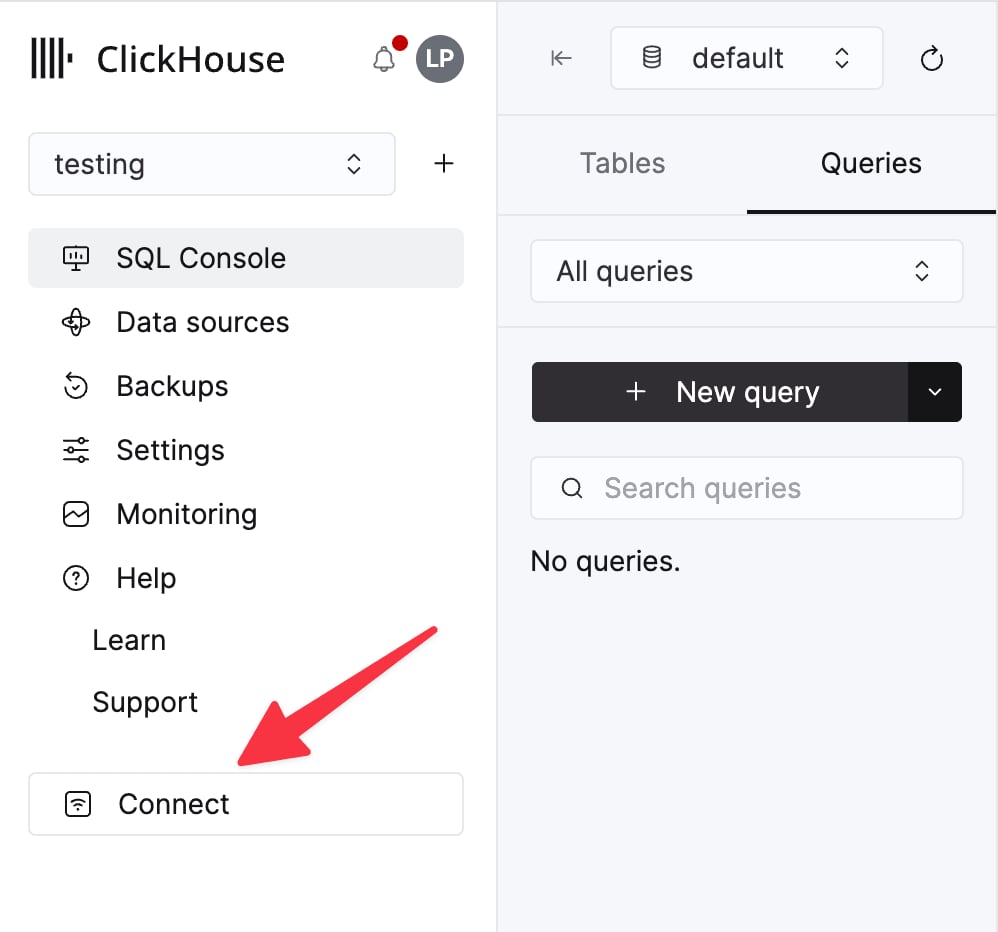
Select a service and click Connect:
curl command.
Create your Fabi.ai account and connect ClickHouse
Log in or create your Fabi.ai account: https://app.fabi.ai/-
You’ll be prompted to connect your database when you first create your account, or if you already have an account, click on the data source panel on the left of any Smartbook and select Add Data Source.
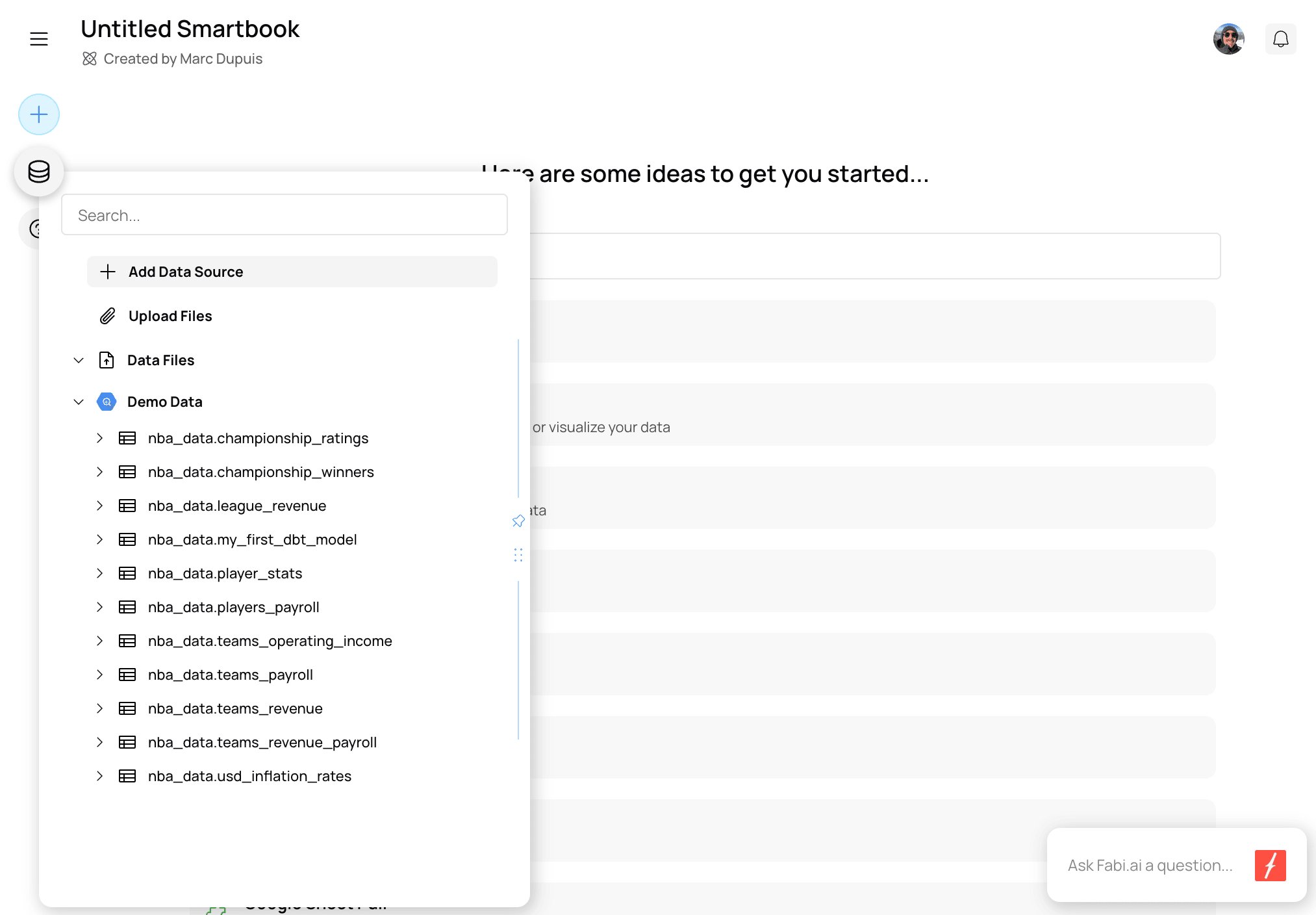
-
You’ll then be prompted to enter your connection details.
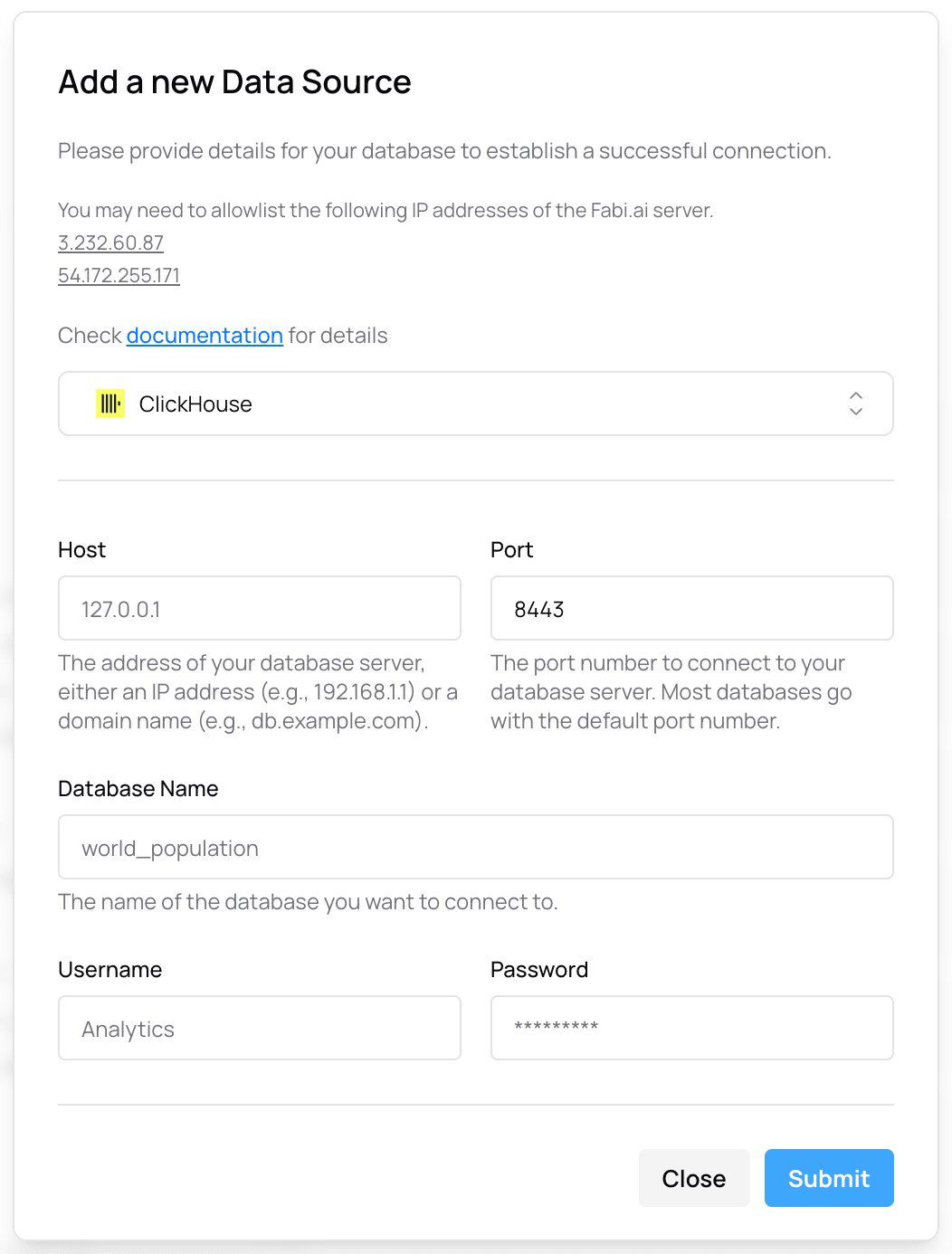
- Congratulations! You have now integrated ClickHouse into Fabi.ai.
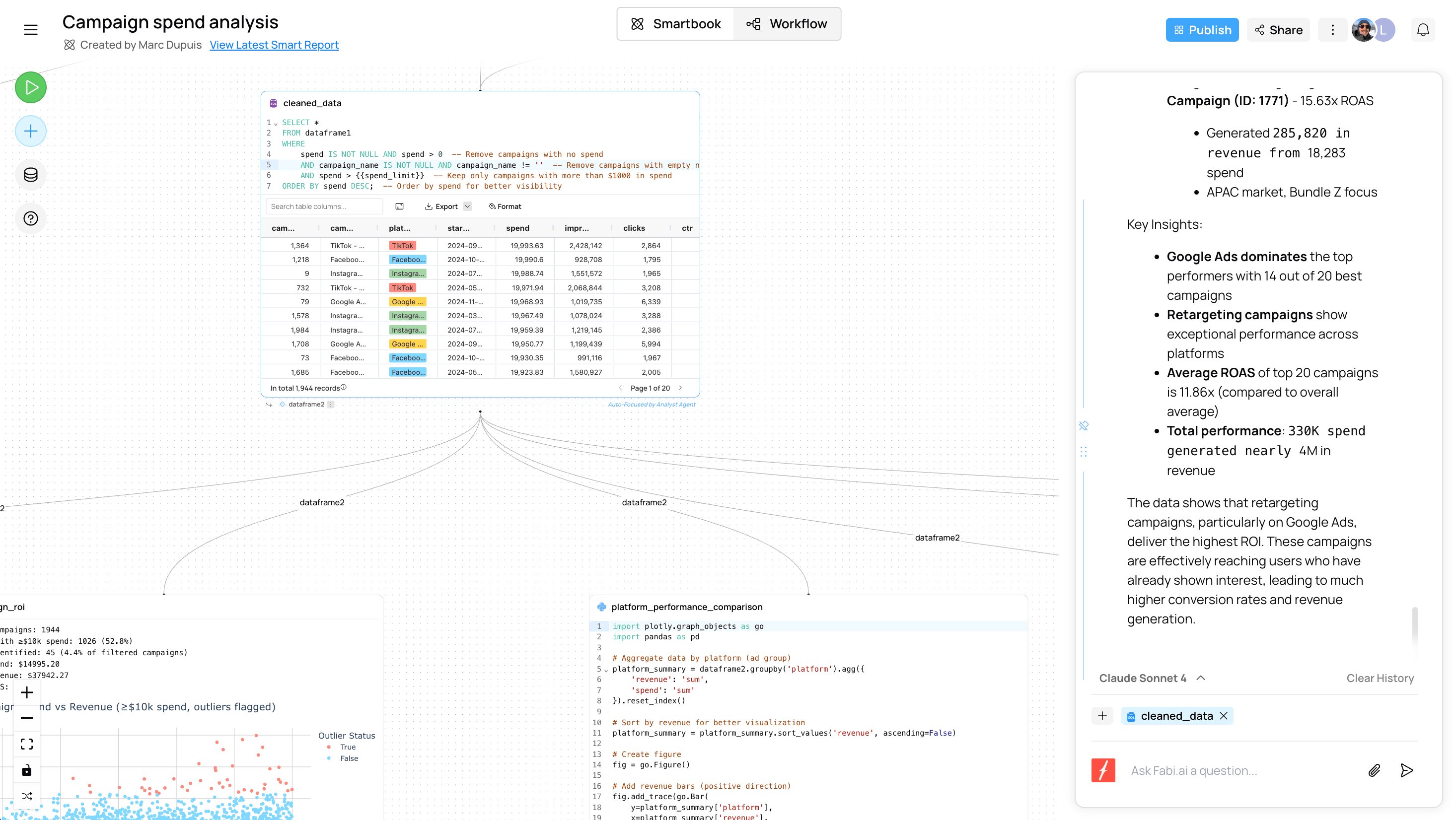
Querying ClickHouse.
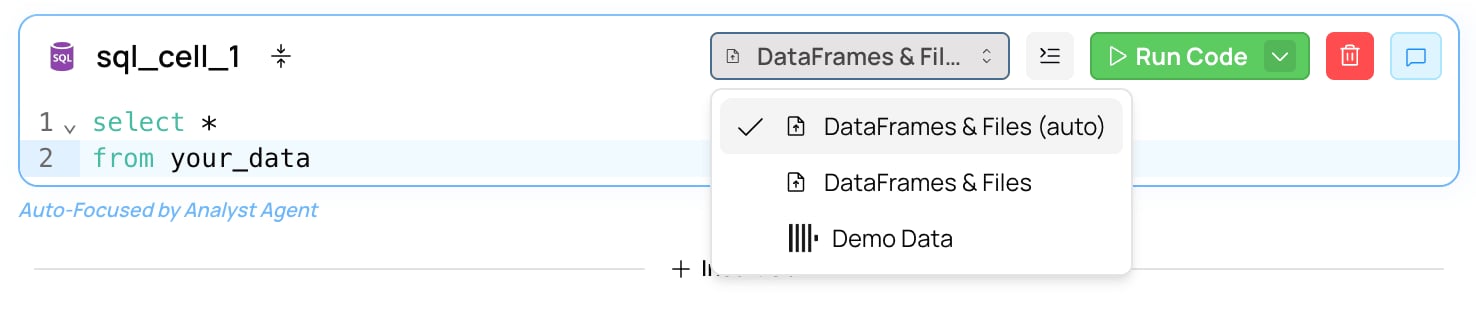
Once you’ve connected Fabi.ai to ClickHouse, go to any Smartbook and create a SQL cell. If you only have one data source connected to your Fabi.ai instance, the SQL cell will automatically default to ClickHouse, otherwise you can choose the source to query from the source dropdown.