50.6 ألف
In August, we introduced customer notifications for ClickHouse Managed Postgres, starting with a warning when storage usage passes 85%. We wanted to give you a heads-up when something needs attention, without asking you to keep a dashboard open.
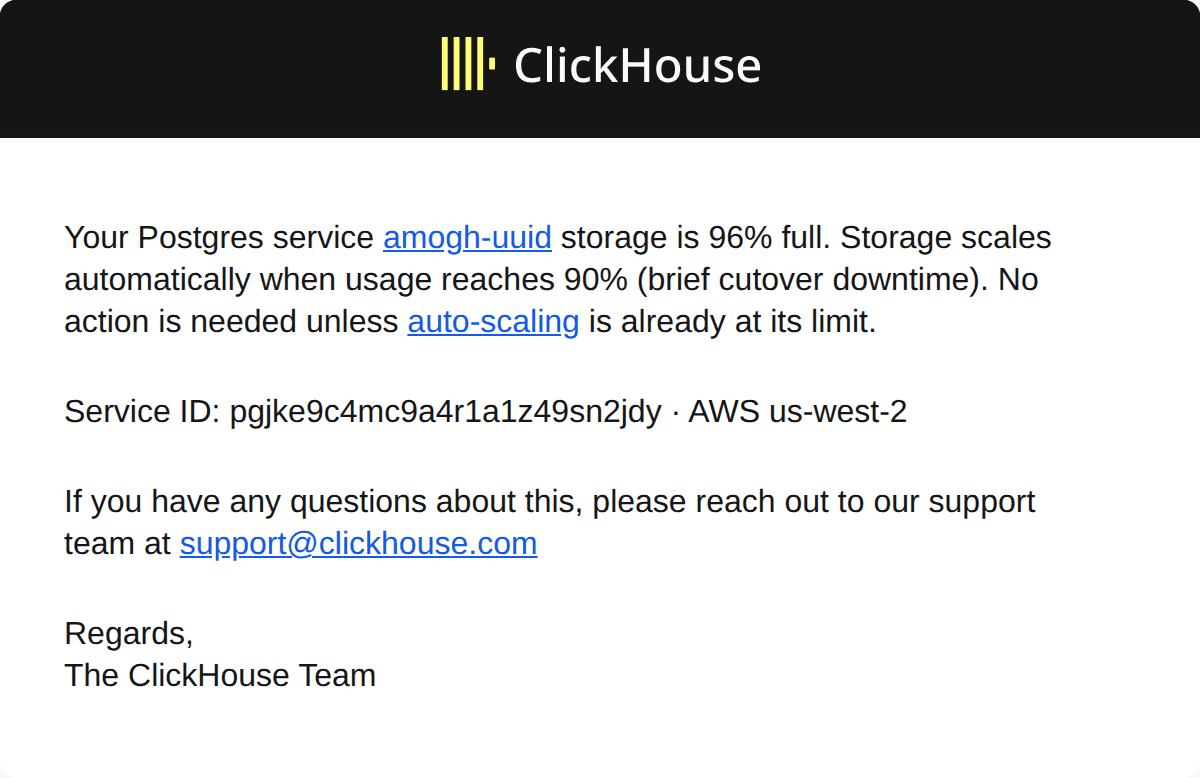
Storage warning rendered from a received internal test email. This example reported 96% usage.
These storage alerts are already helping customers take action. As an example, customers got in touch after receiving an alert, and we helped bring their disk usage back down.
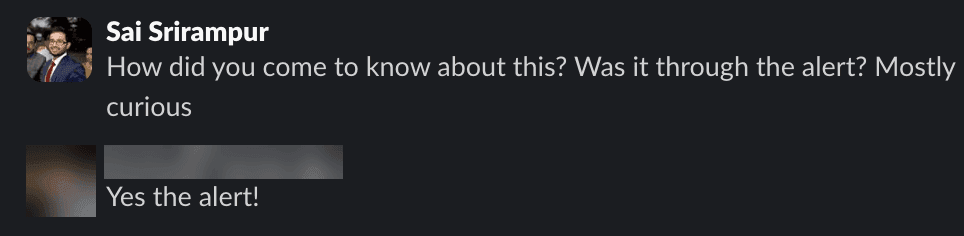
A customer confirms that the storage alert brought the issue to their attention. Customer details obscured.
Conversations like these have helped us see where we can be more proactive. We’re adding more specific notifications so you have a clearer idea of what’s happening and what to check next. For this customer, an unused replication slot was retaining about 650 GB of transaction logs, something the upcoming inactive-slot notification will help identify.
Here’s what to expect next. We’re adding five notifications covering inactive replication slots, planned switchovers, unplanned failovers, long-running transactions, and connection usage.
Inactive replication slots
Applications often stream changes from Postgres to downstream systems using CDC tools like Debezium. These pipelines use logical replication slots to track which changes their consumers still need.
A slot remains in Postgres even when its consumer disconnects. As your application writes more data, Postgres can retain write-ahead log (WAL) data for that consumer. A paused pipeline or an abandoned replication setup can leave storage usage growing while the application appears to be working normally.
The upcoming notification will identify slots observed to be inactive with at least 10 GiB of unconfirmed WAL over a two-hour observation period. It will include the slot names so you know what to investigate. Slots identified as belonging to our managed CDC service will be excluded.
One common use case is streaming from Managed Postgres to ClickHouse for analytics through ClickPipes which uses logical replication slots. For this setup, you can also switch to WalShadow, which uses physical WAL replication and eliminates the need for logical replication slots, avoiding this source of WAL buildup.
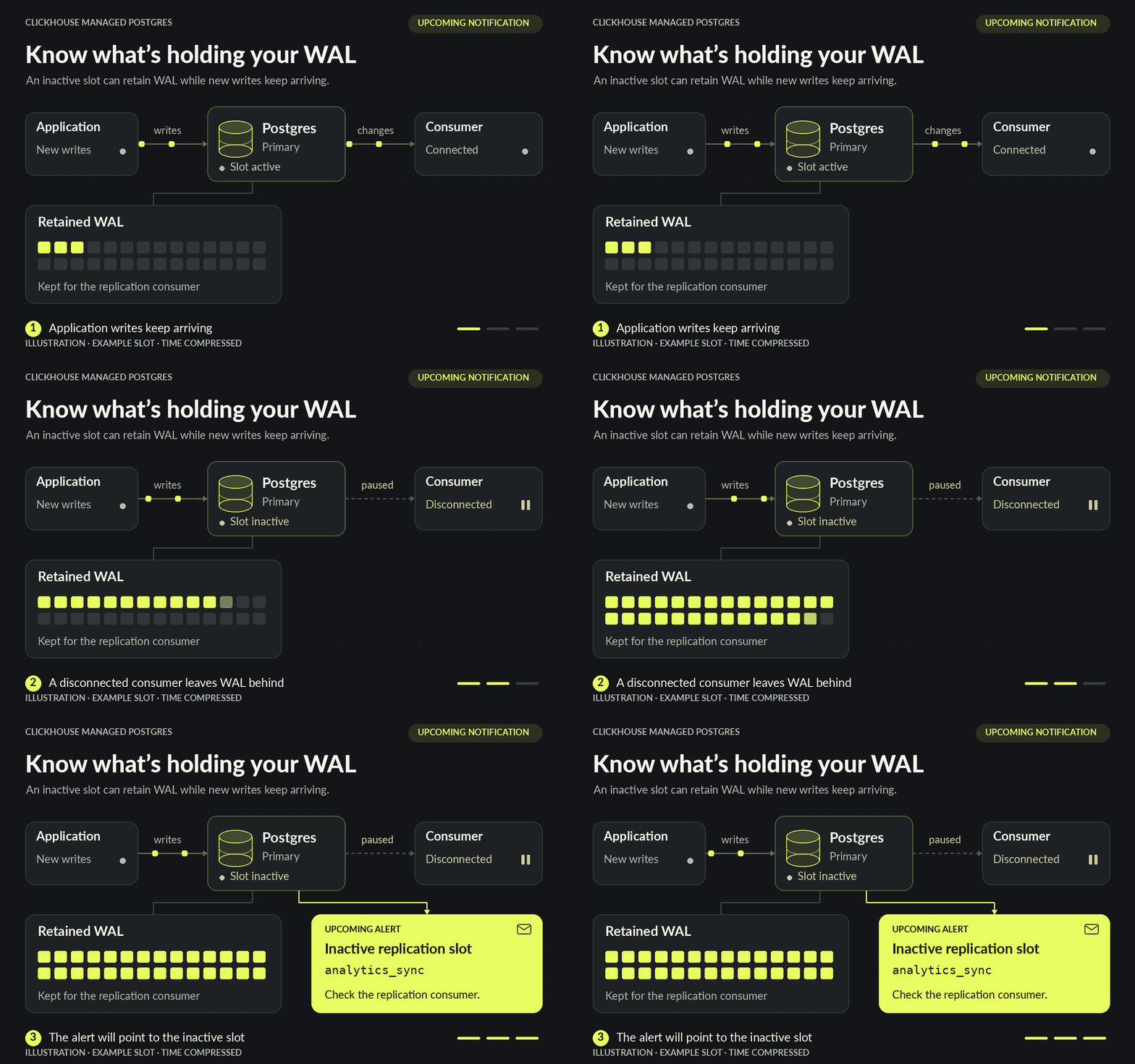
Illustration: an inactive slot can retain WAL as new writes arrive. The upcoming notification will identify the slot.
Planned switchover
A planned switchover promotes a standby to become the primary for your Postgres service. For example, scaling up CPU, memory, or storage brings up a replacement instance that catches up before taking over as primary. Automatic storage scaling uses the same process. Existing connections are interrupted during the switch.
The upcoming notification will tell you that the switchover has completed and identify the affected service. Your connection string stays the same. If you’re investigating a brief interruption, the notification will show when the primary changed.
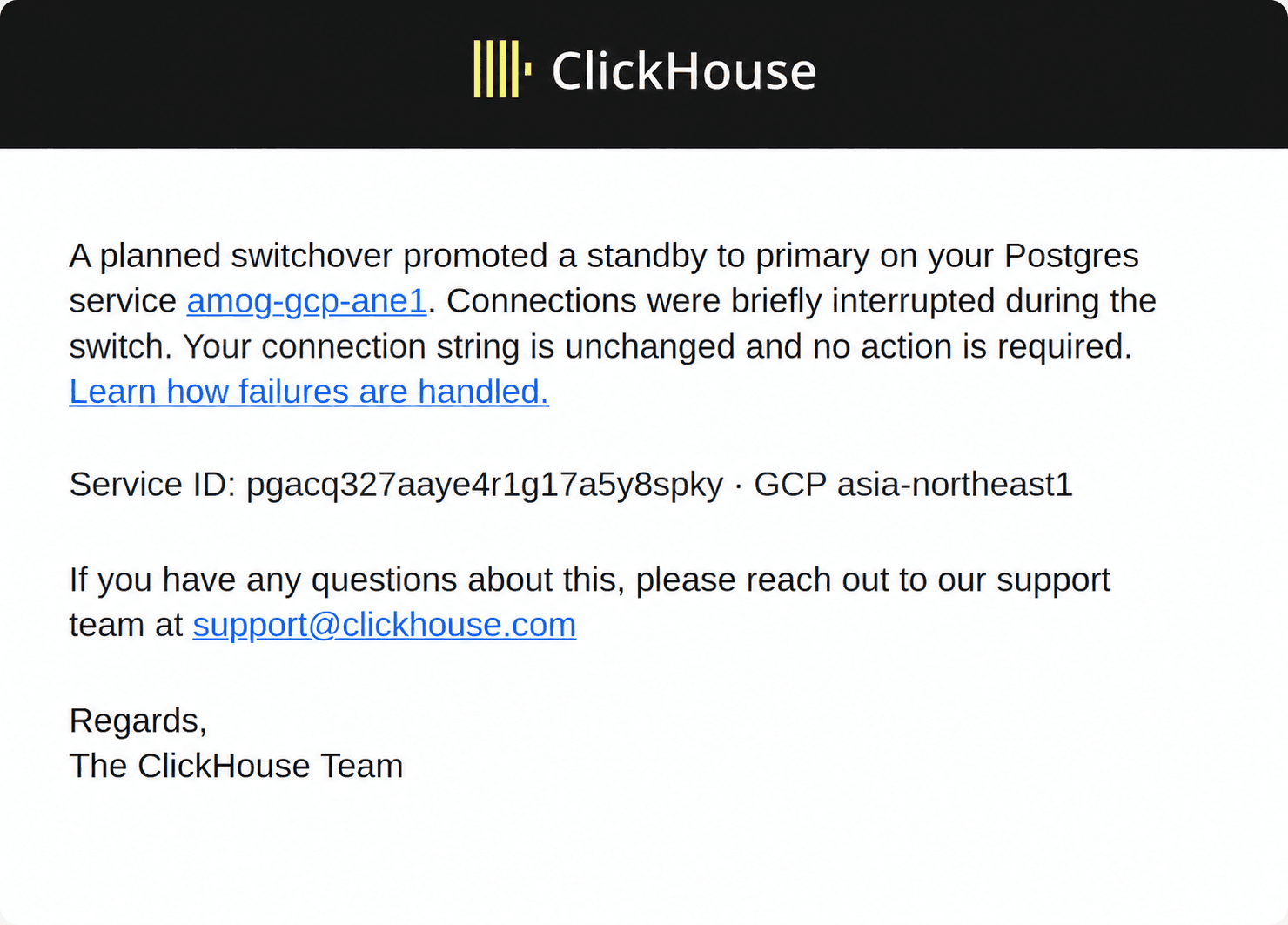
Planned-switchover email from an internal test received October 21, 2026, edited to remove an outdated parenthetical.
Unplanned failover
If a primary becomes unavailable, a service with a standby can recover by promoting that standby to primary. The upcoming unplanned failover notification will tell you when that promotion has completed.
The notification will identify the affected service and explain that the primary became unavailable. Your application can reconnect using the same connection string.
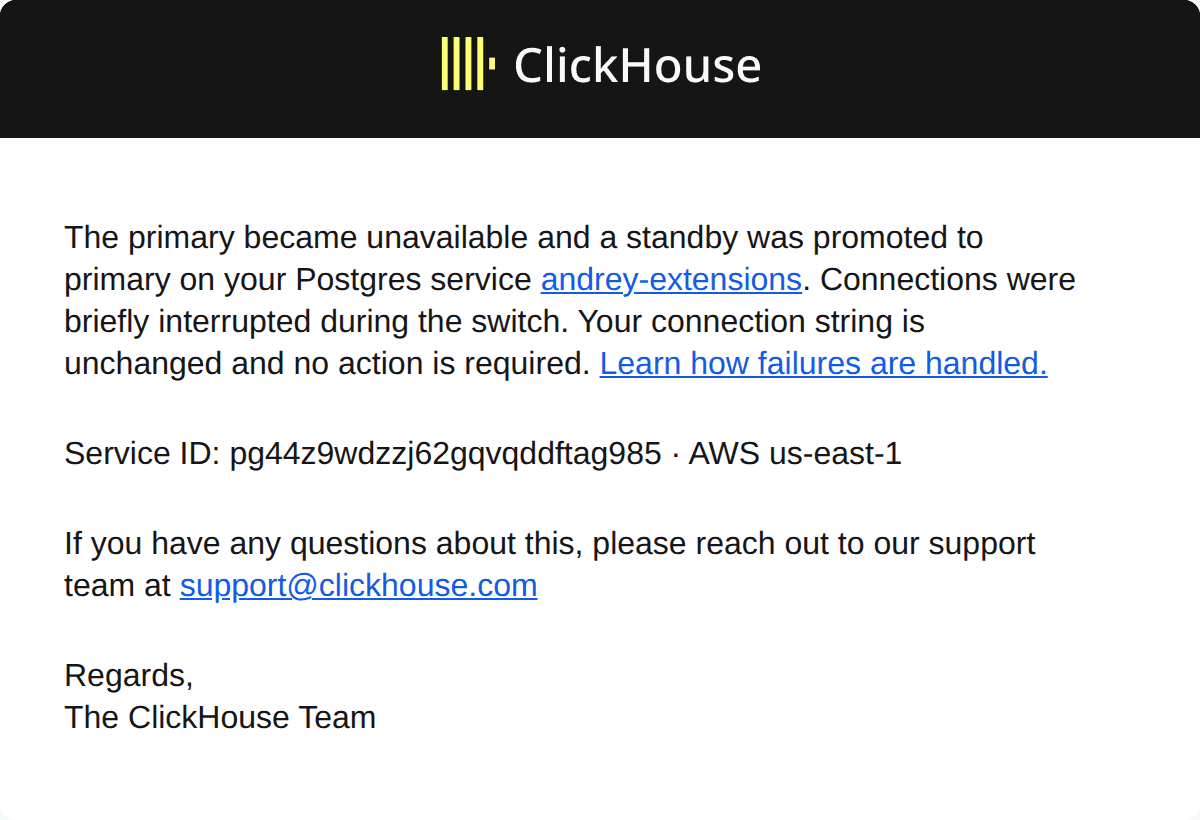
Unplanned-failover email rendered from an internal test received October 22, 2026.
Together, these two notifications will make it easier to tell whether an interruption came from a planned switchover or recovery after an unexpected failure. Our high availability documentation covers the recovery process in more detail.
High availability documentation
Long-running transactions
Sometimes a transaction stays open long after you expect its work to have finished. It might still be running a query, or it might be sitting idle while the application waits before committing or rolling back.
Depending on what it has done, an open transaction can hold locks, block other work, or prevent vacuum from reclaiming dead rows. That can lead to table bloat and slower queries.
The upcoming notification will warn when we observe a transaction on your primary that has been open for at least two hours. It will cover both active transactions and those idle in a transaction, and report the transaction’s age when it was checked.
You can then check whether the transaction is expected or was unintentionally left open.
Connections approaching their limit
As you add application instances or increase worker concurrency, connection usage can climb faster than you expect. A connection pool is usually configured per application instance, so scaling out the application can multiply the total number of database connections.
Once the available connections are exhausted, new application connections can fail. An upcoming notification will warn when usage reaches 95% of the limit so you can investigate before that happens.
Start by checking which applications hold the connections and whether those sessions are active or idle. Then review your pool settings and look for connections that the application has stopped using but hasn’t closed or returned to the pool.
What’s next
We want Managed Postgres to tell you when something needs attention and give you enough context to act. We’ll keep expanding notifications based on the problems we see customers encounter.
You can manage delivery for the notifications currently available to your service (including the console, email, and Slack) in the Postgres section of your notification settings. See the notification documentation for details.
Is there something else you’d like a heads-up about? Let us know at postgres-team-support@clickhouse.com.
Get started with ClickHouse Managed Postgres today
Interested in seeing how ClickHouse Managed Postgres works on your data? Get started with ClickHouse Cloud in minutes and receive $300 in free credits.
Sign up