

Question
How do I set up ClickHouse with a Docker image to connect to Microsoft SQL Server?Answer
Notes on this example- Uses the ClickHouse Docker Ubuntu image
- Uses the FreeTDS Driver
- Uses MSSQL Server 2012R2
- Windows hostname for this example is
MARSDB2.marsnet2.localat IP:192.168.1.133(update with your hostname and/or IP) - MSSQL Instance name
MARSDB2 - MSSQL Login and database users are
sql_user
Example setup in MSSQL for testing ###
Database and table created in MSSQL: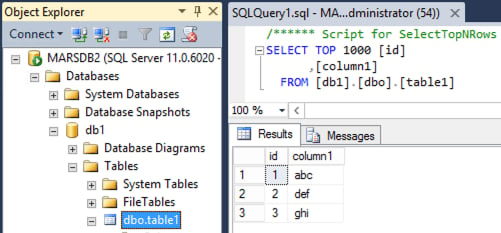
sql_user:
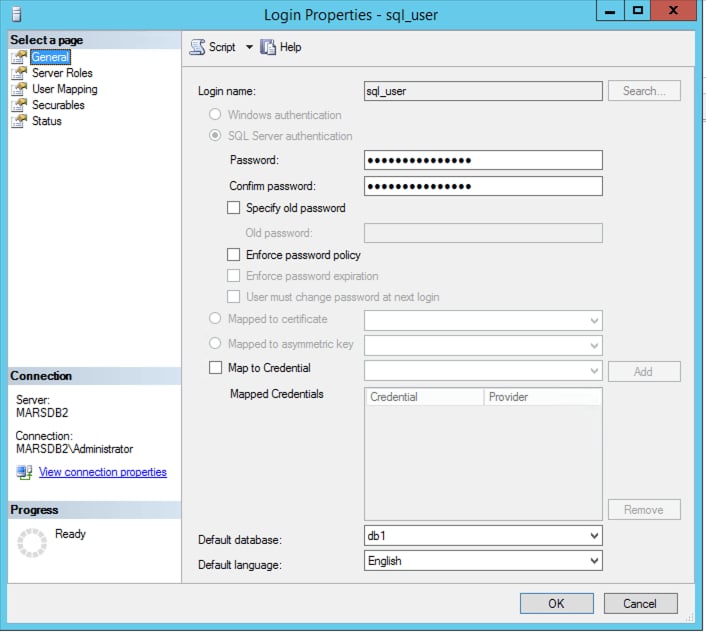
sql_user:
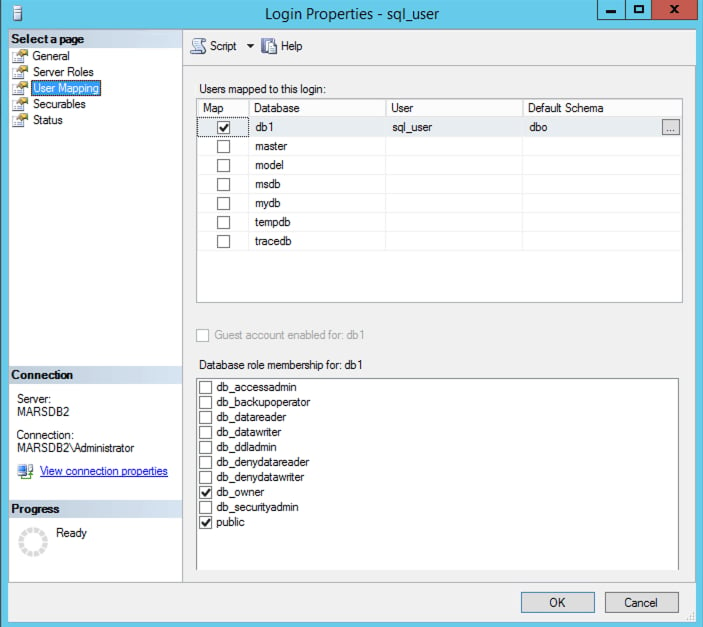
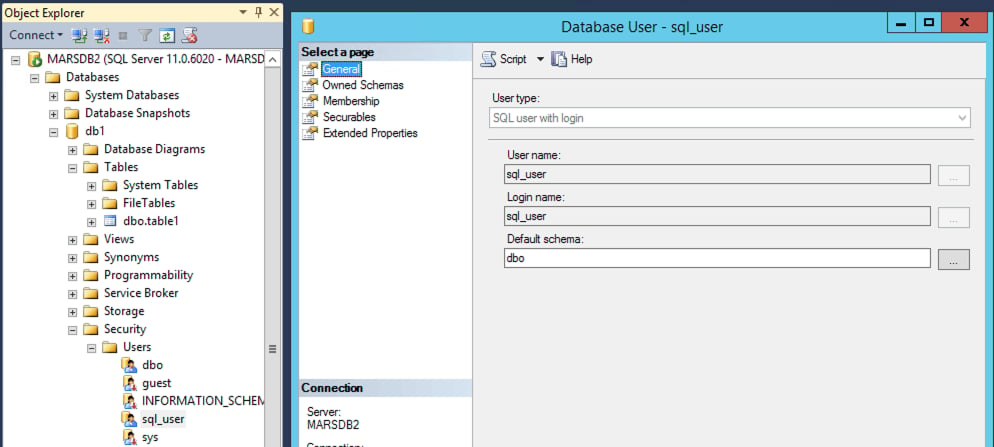
Configuring ClickHouse with ODBC
Create a working directory:odbc.ini file:
odbcinst.ini file:
Configure a Dockerfile to download the image and add the TDS and required ODBC libraries
Create the Dockerfile:docker-compose.yml file:
Test ODBC connection
Login with the ClickHouse client:SELECT using the odbc table function to the remote MSSQL Database table:
odbc table engine:
SELECT query to test the new remote table: