Enable vision capabilities
Vision only works with models that support image inputs. If the selected model can’t handle image inputs, the upload control on the message composer is disabled. Switch to a vision-capable model to re-enable it.Use vision capabilities
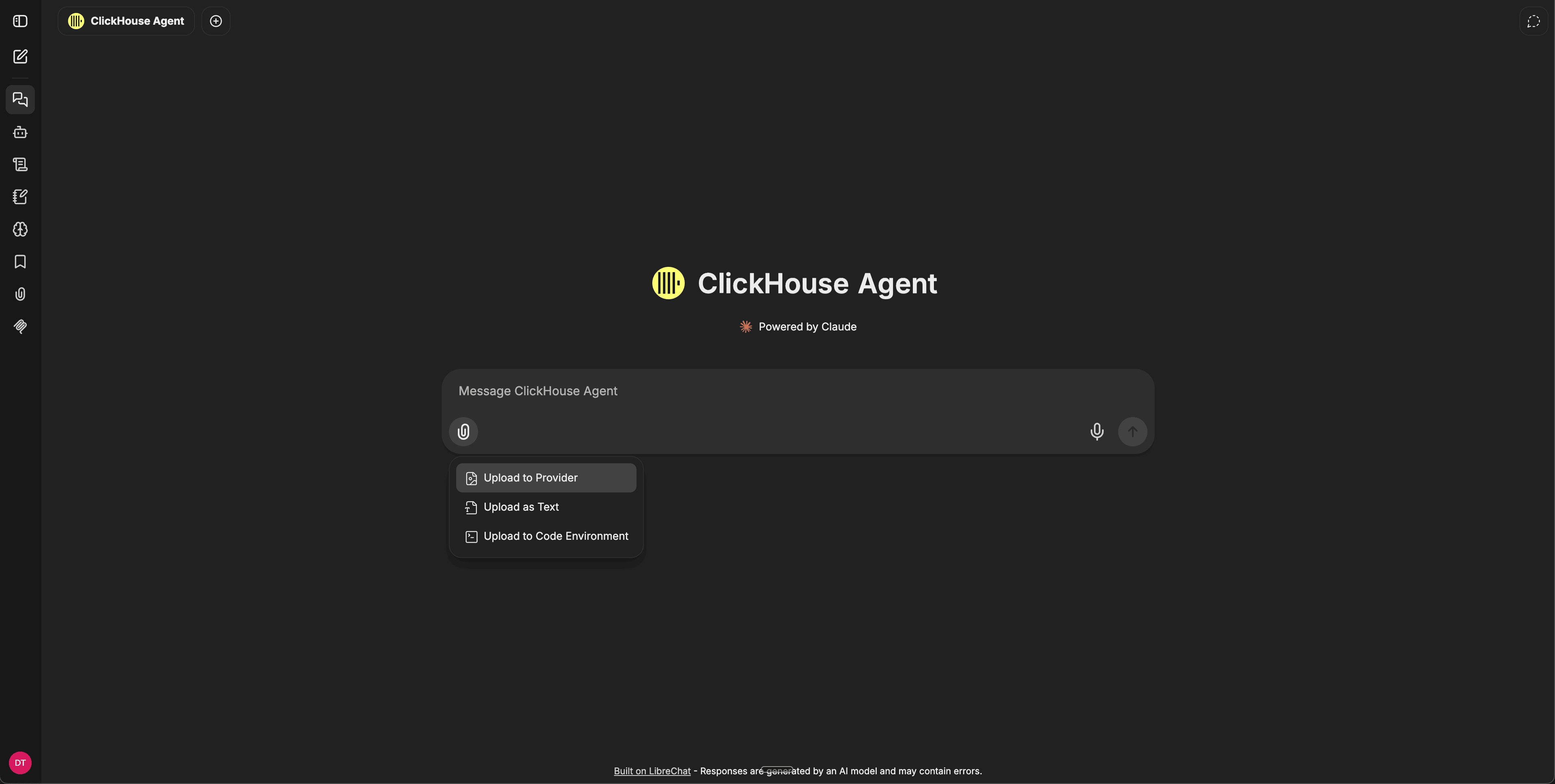
Click the paperclip icon at the bottom-left of the message composer and choose Upload to Provider to attach an image — a screenshot, a photo, a chart, a diagram. Then ask any question that requires reading the image: “What’s wrong with this query plan?”, “Transcribe the text in this screenshot,” or “Compare this dashboard to last week’s.”