

Before you begin
Install Docker and confirm that the following ports are available:8080for the ClickStack UI4317for OTLP over gRPC4318for OTLP over HTTP8123for the ClickHouse HTTP interface
Set up ClickStack Open Source with the all-in-one image
Start ClickStack
Run the all-in-one image:The container runs in the foreground. Leave this terminal open and use a second terminal for the remaining commands in this guide.
Persist data and settings
Persist data and settings
To retain ClickStack settings, ClickHouse data, and ClickHouse logs after removing the container, run the following command instead:
$(pwd) resolves to your current directory. This command stores the persistent files in a .volumes directory at that location.Send test data
In the second terminal, export the ingestion API key:Send an OTLP log with the current timestamp:A successful request returns
HTTP/1.1 200 OK.Next steps
Send application and infrastructure data
Choose a guide for the data that you want to send to ClickStack:Instrument an application
Send application traces and logs with a supported OpenTelemetry SDK.
Collect host logs
Forward host logs from an OpenTelemetry Collector running in the agent role.
Monitor Kubernetes
Collect logs, metrics, and traces from a Kubernetes cluster.
Explore other integrations
Find guides for additional applications and telemetry sources.
Explore sample data
Use a sample dataset to explore ClickStack with richer telemetry:Sample logs, traces, and metrics
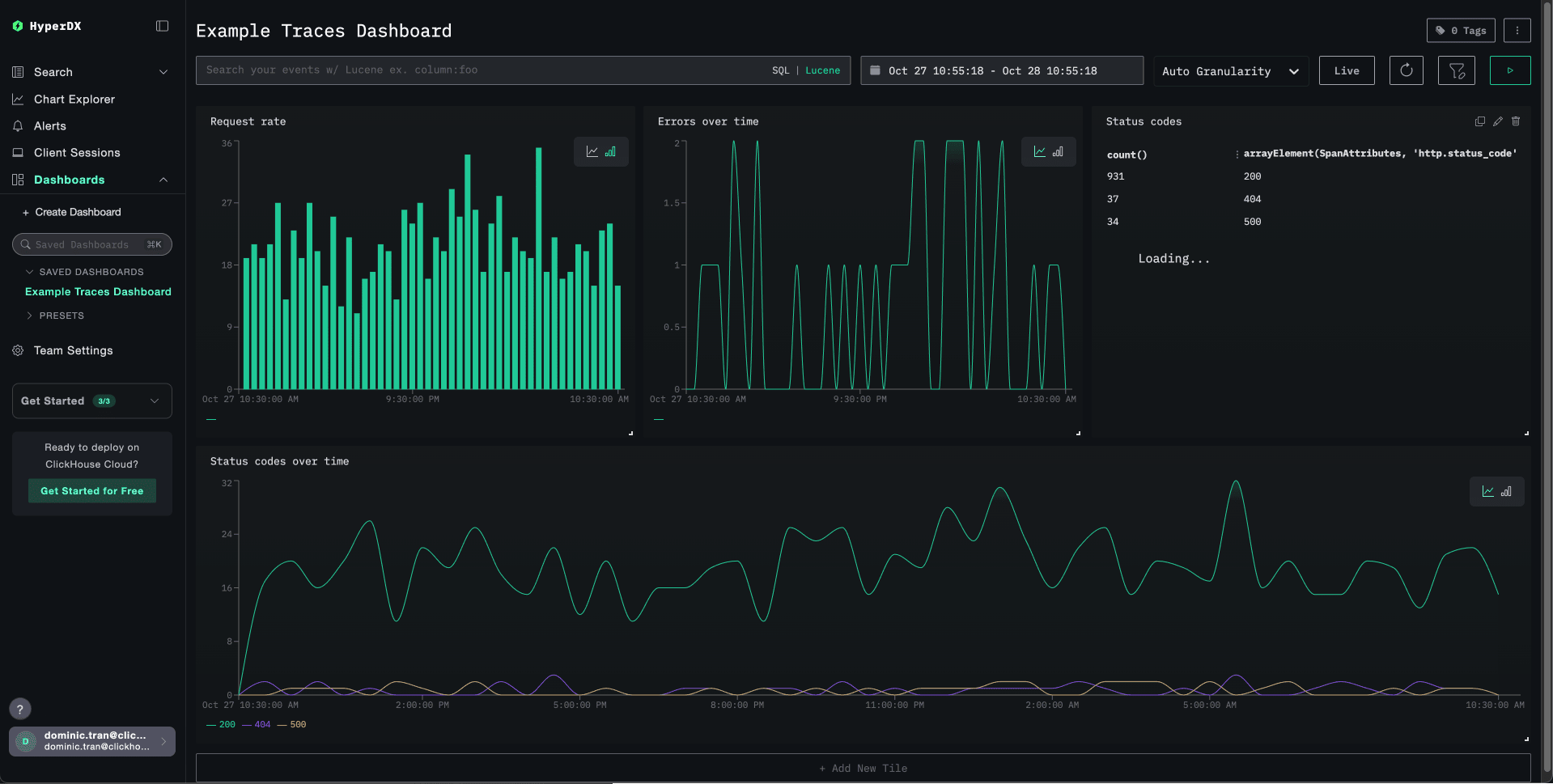
Local logs and metrics
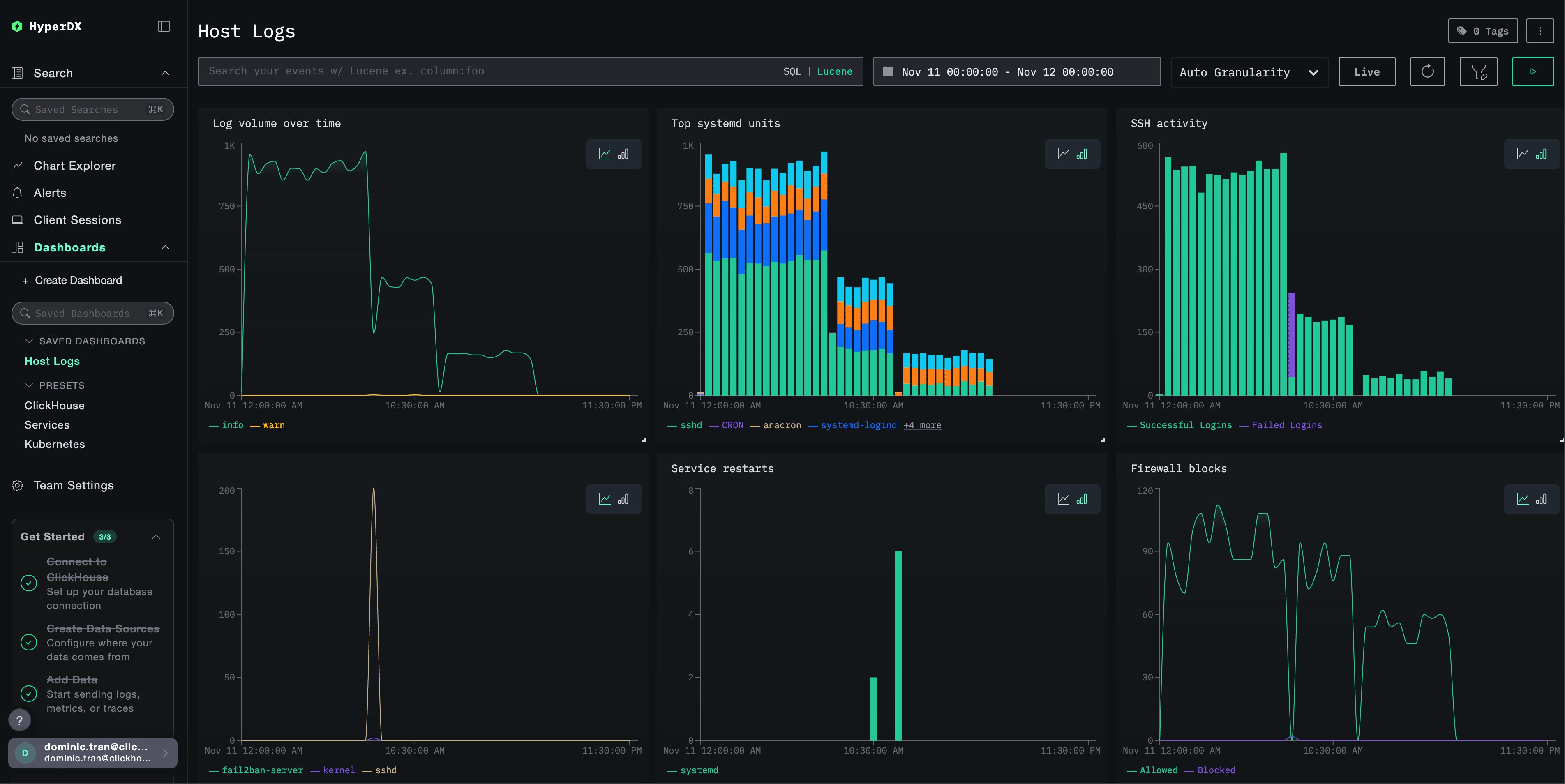
Generate synthetic data
Use a generator to test ingestion without an existing application or dataset:Generate data with otelgen
Send a short burst of synthetic OTLP logs, traces, and metrics.
Generate data with telemetrygen
Generate configurable OpenTelemetry signals across several services.
Prepare for production
Review deployment and production guidance before using ClickStack for sustained workloads:Going to production
Review ingestion credentials, security, retention, and operational guidance.
Choose a deployment model
Compare open source deployment options for your environment.