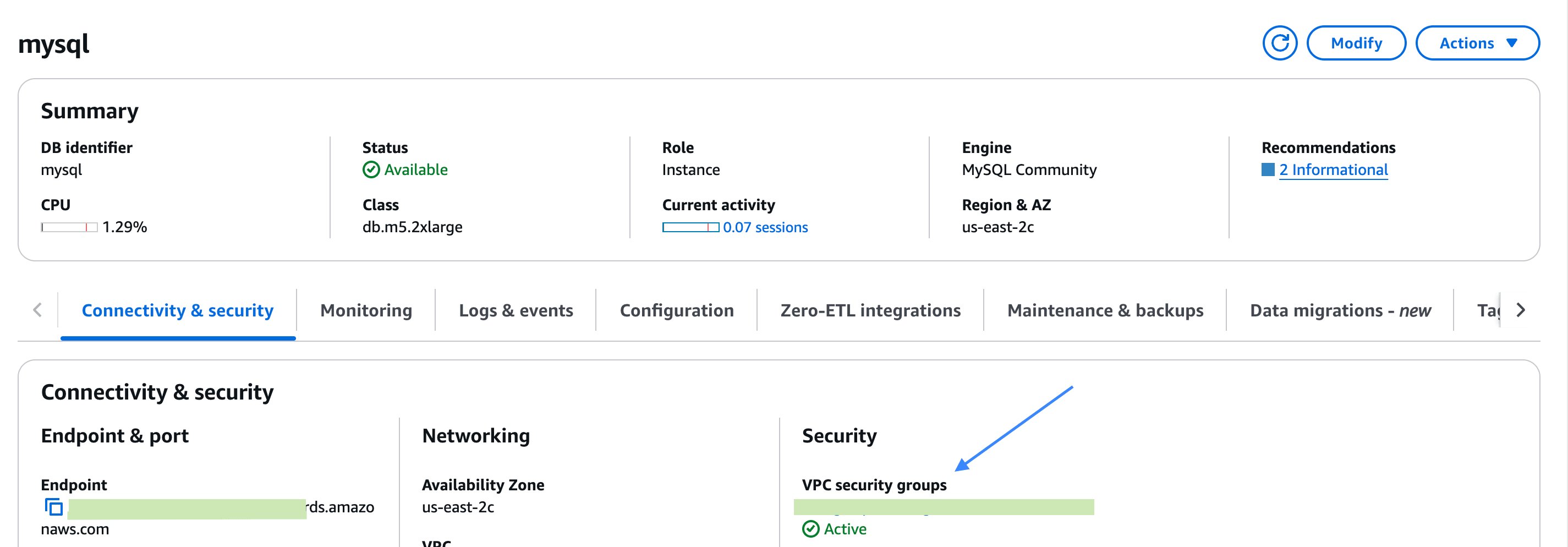
We also recommend going through the MySQL FAQs here. The FAQs page is being actively updated.
Enable binary log retention
The binary log is a set of log files that contain information about data modifications made to a MySQL server instance. Binary log files are required for replication. Both of the steps below must be followed:1
Enable binary logging via automated backup
The automated backups feature determines whether binary logging is turned on or off for MySQL. It can be set in the AWS console:
2
Binlog retention hours
Amazon RDS for MariaDB has a different method of setting binlog retention duration, which is the amount of time a binlog file containing changes is kept. If some changes aren’t read before the binlog file is removed, replication will be unable to continue. The default value of binlog retention hours is NULL, which means binary logs aren’t retained.To specify the number of hours to retain binary logs on a DB instance, use the
mysql.rds_set_configuration procedure with a binlog retention period long enough for replication to occur. ClickPipes requires at least 72 hours. A pipe that falls behind by more than the retention period has to be resynced.Configure binlog settings in the parameter group
The parameter group can be found when you click on your MariaDB instance in the RDS Console, and then navigate to theConfigurations tab.
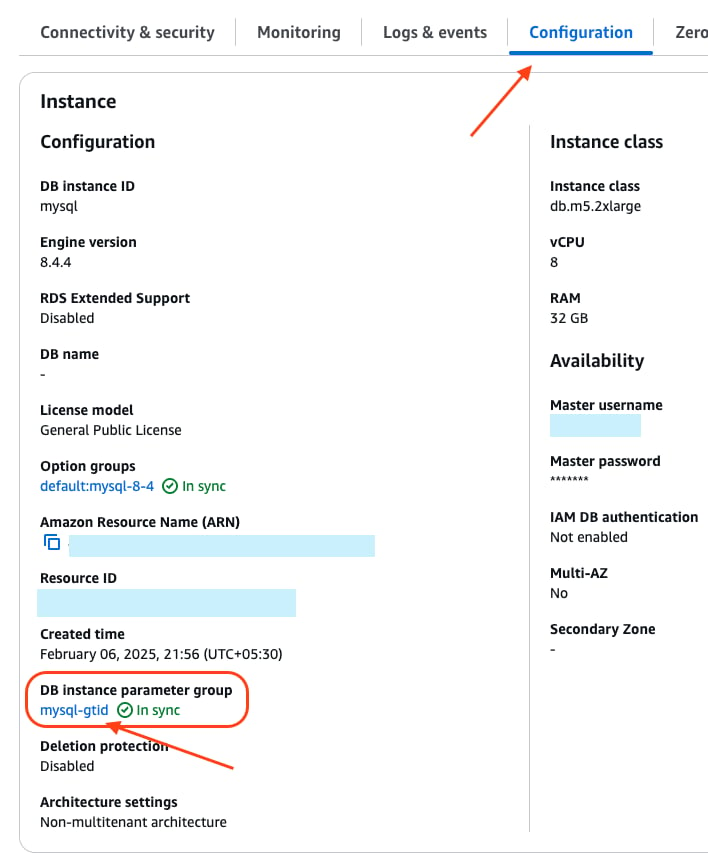

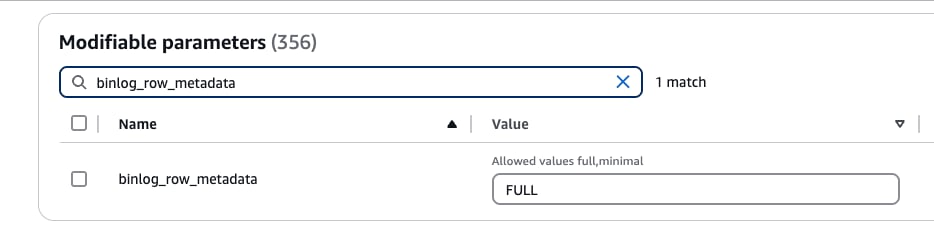
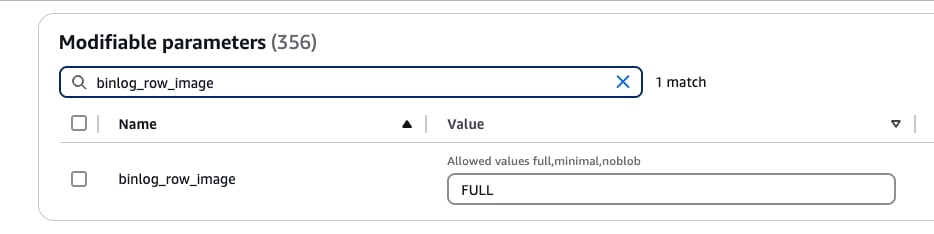
binlog_format, binlog_row_metadata and binlog_row_image need to be set as follows:
binlog_formattoROW.
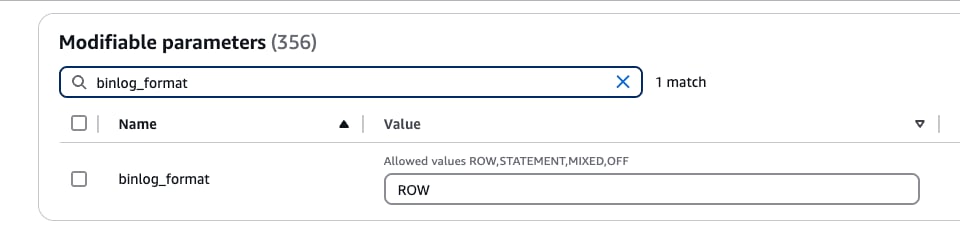
binlog_row_metadatatoFULL
binlog_row_imagetoFULL
Save Changes in the top-right. You may need to reboot your instance for the changes to take effect. If you see Pending reboot next to the parameter group link in the Configurations tab of the RDS instance, this is a good indication that a reboot of your instance is needed.
Enabling GTID Mode
Global Transaction Identifiers (GTIDs) are unique IDs assigned to each committed transaction in MySQL/MariaDB. They simplify binlog replication and make troubleshooting more straightforward. MariaDB enables GTID mode by default, so no user action is needed to use it.Configure a database user
Connect to your RDS MariaDB instance as an admin user and execute the following commands:-
Create a dedicated user for ClickPipes:
-
Grant schema permissions. The following example shows permissions for the
clickpipesdatabase. Repeat these commands for each database and host that you want to replicate: -
Grant replication permissions to the user. MariaDB 10.5.9 and newer also require
SLAVE MONITOR: -
Allow ClickPipes to read the binlog retention setting:
Using IAM authentication (optional)
AWS introduced IAM database authentication for RDS for MariaDB in version 10.6.5. Support depends on the exact engine version and AWS Region. Check AWS’s current supported Regions and engine versions before using this option.
Configure network access
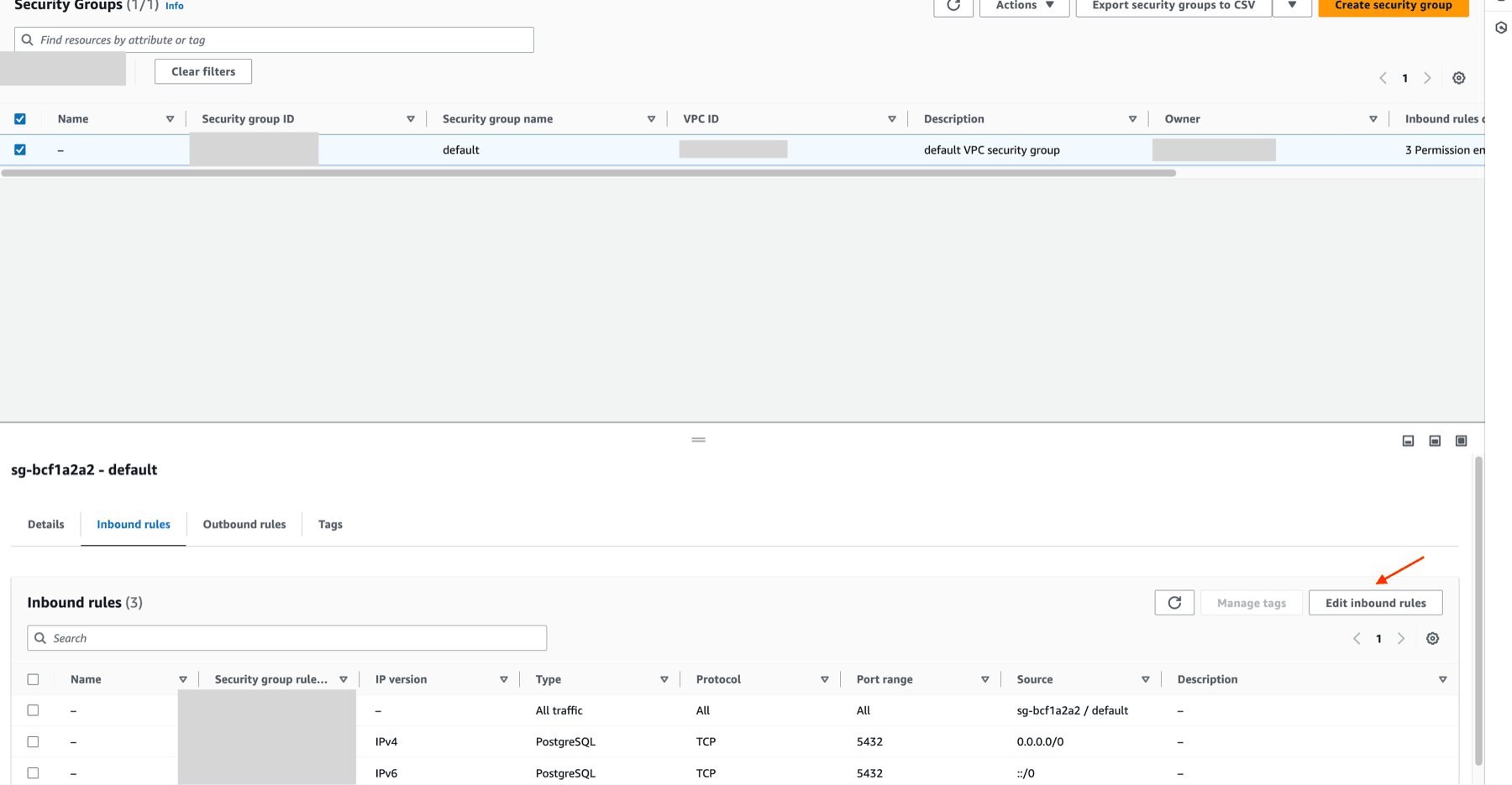
IP-based access control
If you want to restrict traffic to your RDS instance, please add the documented static NAT IPs to theInbound rules of your RDS security group.